Nexon published its pre-download guide for MapleStory Classic World on September 29, 2026. Founder's Access begins on Tuesday, October 6, 2026 at 11:00 AM PDT. Nexon lists the same moment as 2:00 PM EDT, 8:00 PM CEST and 4:00 AM AEST on October 7.
Nexon says the guide is meant to help players avoid long waits on launch day. Grand Launch is a separate date, October 21, 2026.
What you can and cannot download now
The Classic World client itself cannot be downloaded yet. Nexon says it will only be available on Founder's Access launch day. The Classic World option will not appear in either platform until then.
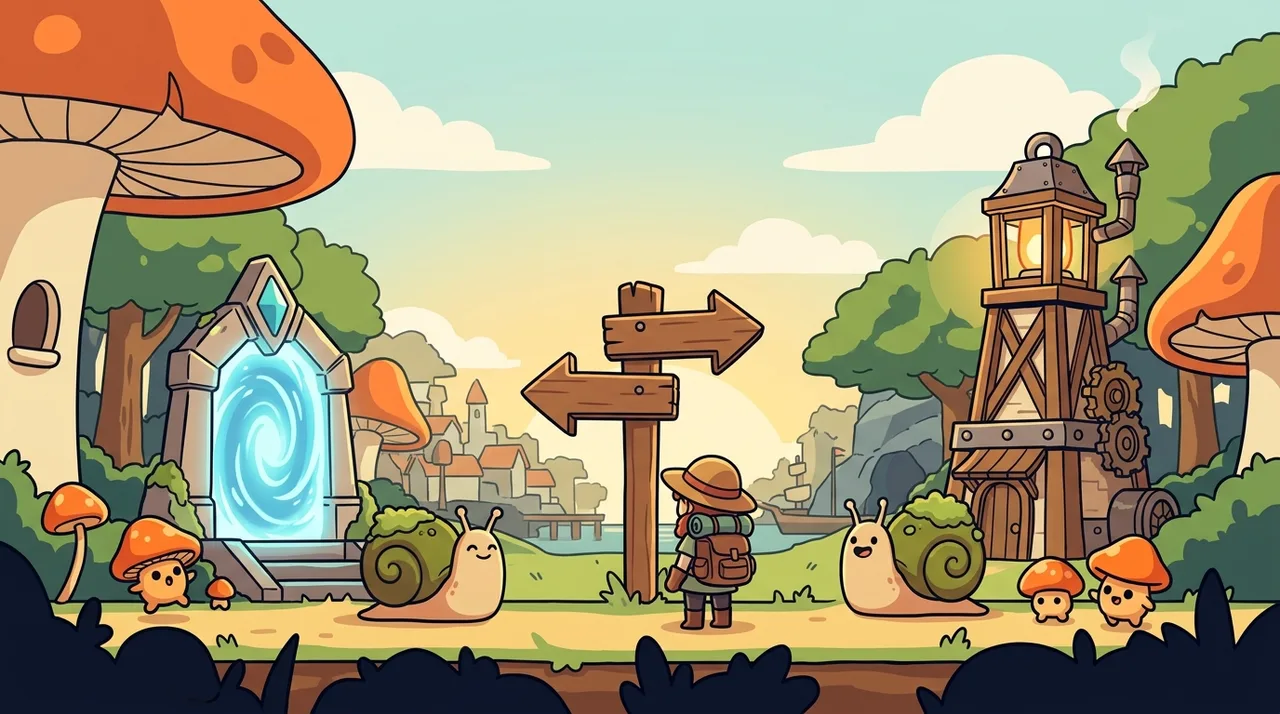
What you can do this week depends on your platform. Nexon splits the advice into two paths.
Step 1: Choose a platform
Nexon recommends the Nexon Launcher for players who are short on storage. Per Nexon, the Launcher lets you download MapleStory Classic World as a smaller, standalone client. You do not need to install MapleStory to play it.
Steam works differently. Nexon says that because of Steam's technical framework, MapleStory and Classic World are packaged together as a single, unified build. That means a much larger download. You must install the base game to reach Classic World.
Step 2: Prepare your files
Nexon Launcher. Nexon lists these steps:
- Download and install the official Nexon Launcher from the Nexon website.
- Log in with your Nexon account.
- On launch day, find MapleStory in your library, select the MapleStory Classic World toggle and download the standalone client.
Steam. Nexon says a fully installed and updated base game will drastically reduce the patch size you need on launch day. The steps are:
- Open your Steam Library and find MapleStory.
- Click Install and choose your drive.
- Let the base download finish and allow Steam to apply any pending updates.
Step 3: Verify and link your account
Nexon states that you need a verified Nexon account on either platform. New players should register on the Nexon website and then verify their email address from the inbox.
Steam players have one more requirement. Your Nexon account must be linked to your Steam profile. Nexon highly recommends doing this before launch.
There are two ways to link, according to Nexon:
- Web (recommended): log into your Nexon account on the official website, open Account Settings and link your Steam profile from the browser. No game download is needed.
- Steam: launch MapleStory through Steam after the download finishes. Sign in with your Nexon credentials when prompted to confirm the link.
What this changes for you this week
Confirmed: the Launcher route needs only the Launcher and a logged-in account until October 6. The Steam route needs the full base game installed and updated now. Both routes need a verified Nexon account.
Not stated in the source: the download size of either client, and any other launch-day requirements. Nexon points players to its FAQ page for more information.
Nexon's guide is the authority here for platform support and account policy. Check the official FAQ before October 6 in case anything changes.
Frequently asked
- Can I pre-download MapleStory Classic World now?
- Not the game client itself. Nexon says the Classic World client cannot be downloaded until Founder's Access launch day, October 6, 2026. You can install the Nexon Launcher, or the base MapleStory game on Steam, ahead of time.
- Do I need to install MapleStory to play Classic World?
- It depends on the platform. Nexon says the Nexon Launcher offers a smaller, standalone Classic World client with no MapleStory install needed. On Steam, the two are one unified build, so the base game is required.
- Do I need to link my Nexon account to Steam for Classic World?
- Yes, if you play on Steam. Nexon says your Nexon account must be linked to your Steam profile. You can link it on the Nexon website under Account Settings, or by signing in when MapleStory first launches through Steam.