On September 29, 2026, Nexon published a FAQ for MapleStory Classic World that answers questions from community platforms and player support tickets. Founder's Access opens Tuesday, October 6, 2026 at 11:00 AM PDT (2:00 PM EDT, 8:00 PM CEST, 4:00 AM AEST on October 7). Grand Launch follows on Wednesday, October 21, 2026 at the same 11:00 AM PDT time. Both are available through the Nexon Launcher and Steam. This guide turns the FAQ into steps you can follow this week.
Before October 6: get your accounts ready
Nexon says no beta key is required for Founder's Access. Nexon also says the Classic World client cannot be downloaded until launch day, so your preparation is about accounts and launchers.
If you use the Nexon Launcher:
- Download and install the official Nexon Launcher from the Nexon website.
- Log in with your Nexon account.
- On launch day, find MapleStory in your library, select the MapleStory Classic World toggle, and download the standalone client.
You should now see the toggle only once Founder's Access begins. Nexon notes the option will not appear before then.
If you use Steam: MapleStory and Classic World are bundled together, so you need MapleStory installed and fully updated first.
- Open your Steam Library and find MapleStory.
- Click Install and choose your drive.
- Let the base download finish and apply any pending updates.
Nexon highly recommends linking your Nexon account to your Steam profile before launch. The FAQ gives two ways. The web route, which Nexon recommends, means logging into your Nexon account on the official website, opening Account Settings, and linking your Steam profile there. The other route is to start MapleStory through Steam after the download finishes and sign in with your Nexon credentials when prompted.
The FAQ also says Classic World is playable on macOS through the Nexon Launcher or the Steam listing. Only one game application can be open at a time.
What is shared and what is not
- NX (the Cash Shop currency): Nexon states NX Balance is the only item shared between MapleStory and Classic World. You can gift Cash Shop items to others using NX.
- Maple Points: not shared. Points bought in MapleStory are used only there.
- Leaf Points: an alternative source of Cash currency in Classic World.
- IGNs (In-Game Names): not shared, because each game keeps its own.
- MVP benefits: do not apply. The FAQ says there is currently no MVP status in Classic World.
- Challenger World: you cannot transfer from it, since Nexon says it is content specific to MapleStory.
Bans are shared. Nexon says both worlds run as one game service under a single account, and a sanction in one world extends to the other.
Founder's Package tiers
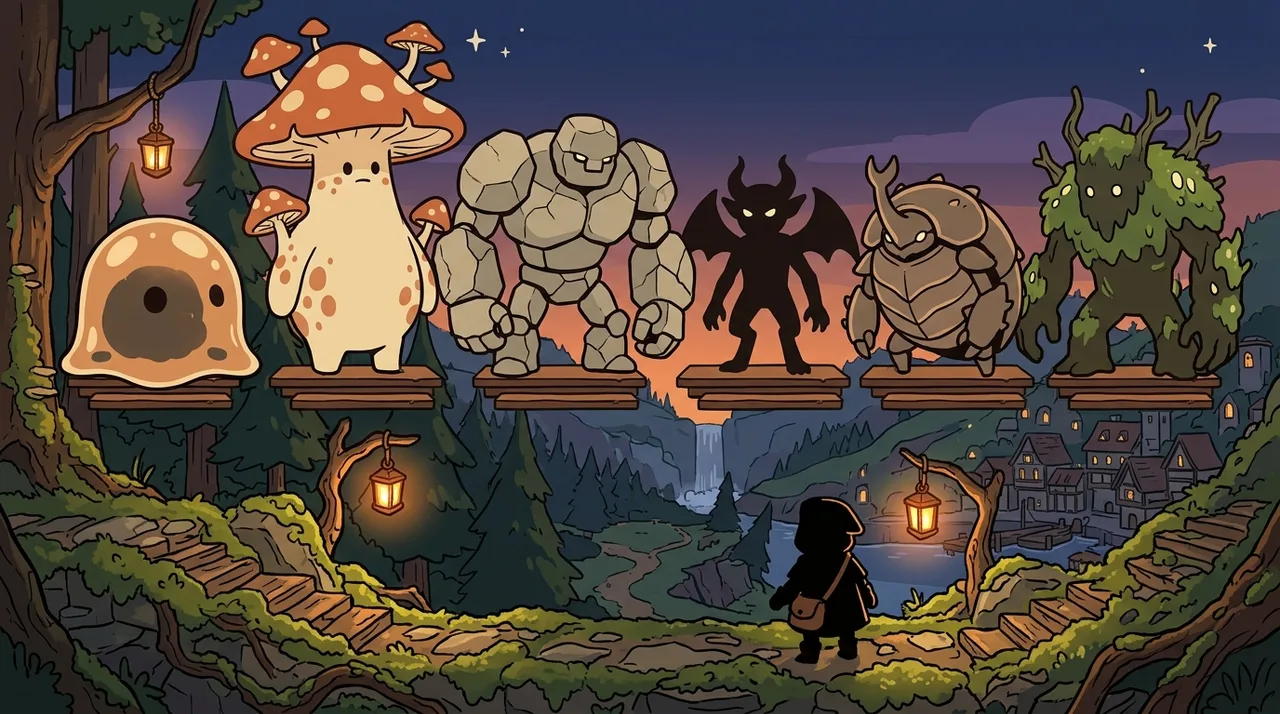
There are three tiers, named Snail, Orange Mushroom and Zakum. Zakum here is only a package name; it is not a boss you can fight at launch.
- Snail Package: Mark of the Founder (Tan), Glimmer of the Founder, Jr. Balrog Invasion x50 (a consumable transformation item that expires in 90 days), and the Well-Loved Outfit Set.
- Orange Mushroom Package: everything in the Snail Package, plus Founder's Access on October 6, 2026, Mark of the Founder (Brown), Glow of the Founder, and the Founder's Thief Outfit Set.
- Zakum Package: everything in the two lower tiers, plus Mark of the Founder (Black), Radiance of the Founder, Manji's Outfit Set, and Founder's Chat and Label Rings.
You cannot buy a Founder's Package with NX.
Upgrading a package
Upgrades work only for packages bought on the Nexon website. Nexon says Steam offers only the Zakum Package because Steam's policies do not support upgrades the way Nexon's own store does.
- Log in to the Founder's Package page.
- Check which package your account currently holds.
- Click the UPGRADE button and pay the price difference.
You should now see only the extra items from the new tier delivered to your mailbox; items you already claimed are not duplicated. If you upgrade after Founder's Access starts, the new items arrive after your purchase is confirmed and on your next login. Nexon says upgrades end October 14, 2026 at 11:59 PM PDT, when package sales end. Packages cannot be downgraded.
Claiming items before they expire
Nexon says you must pick up package items from your in-game mailbox before November 30, 2026 at 11:59 PM UTC, or they expire. Once claimed, you have 30 days to open the package. Outfit sets arrive in a box with a 30-day duration, tradable within your account. After you open it, the outfit items are permanent and untradable, but you can move them to other characters on the same account and in the same world through the Cash Inventory.
Language and controllers
English is officially supported, and Spanish is in beta. Change the language on the main login screen or in Game Options, then relaunch. Controllers connect by USB or Bluetooth after you enable controller support in the in-game options. Nexon officially supports DualSense, DualShock and Xbox controllers only.
Frequently asked
- Is NX shared with MapleStory Classic World?
- Yes. Nexon says NX Balance is shared between MapleStory and MapleStory Classic World, and it is the only shared item. Maple Points are not shared.
- If I'm banned in MapleStory, am I banned in Classic World?
- Yes. Nexon says both worlds operate as one game service under a single account, so a sanction in one world extends to the other.
- Can I upgrade my Founder's Package on Steam?
- No. Nexon says upgrades are not available on Steam, which offers only the Zakum Package. Website purchases can be upgraded until October 14, 2026 at 11:59 PM PDT.